 cubieworks

KimBox
A calm email organizer for Windows.
KimBox helps busy people get through email without the dread. It brings new mail from your accounts into one place, helps you decide what each email needs, and keeps track of what you have to do and what you're waiting on.
What it does
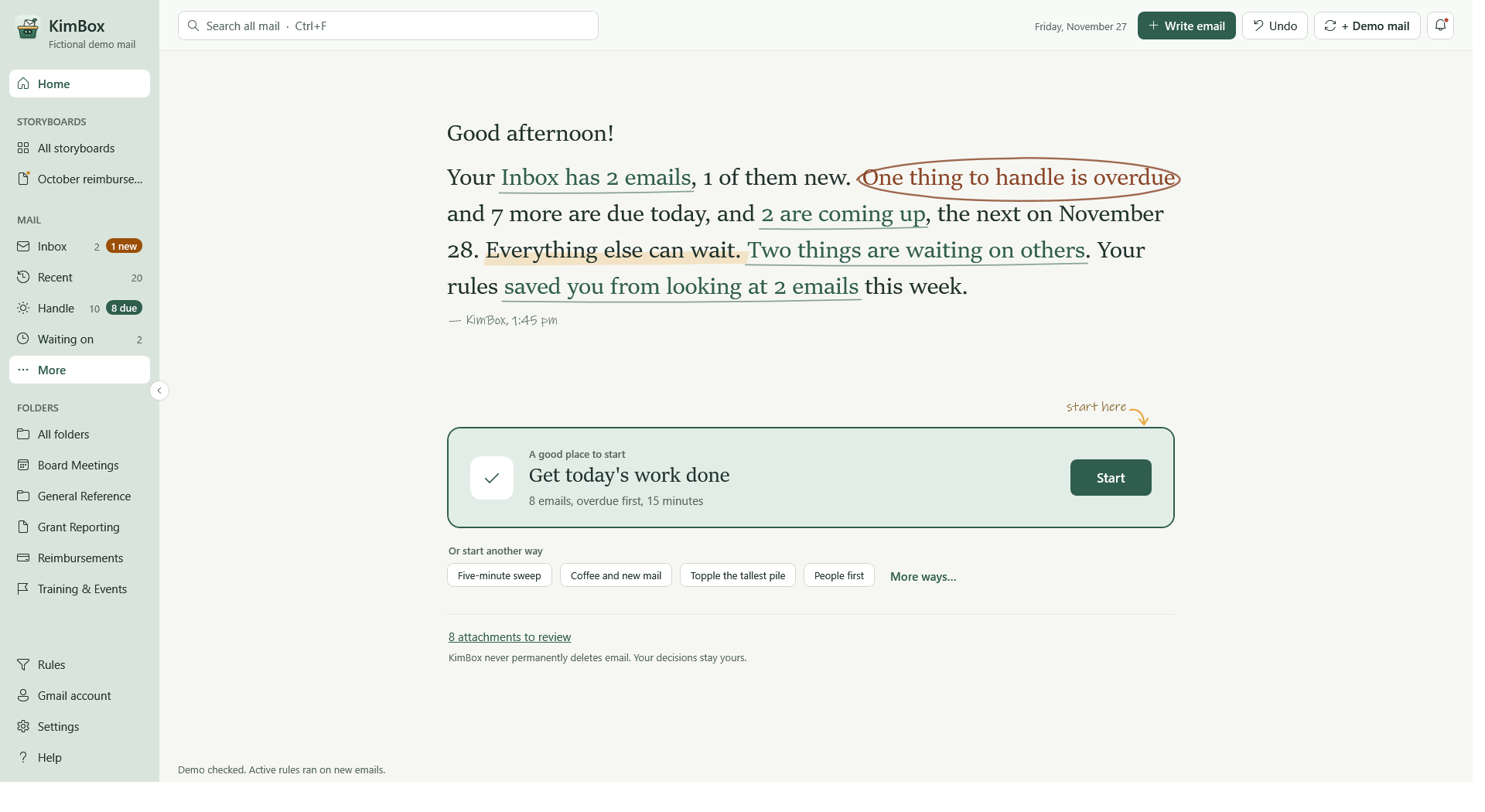
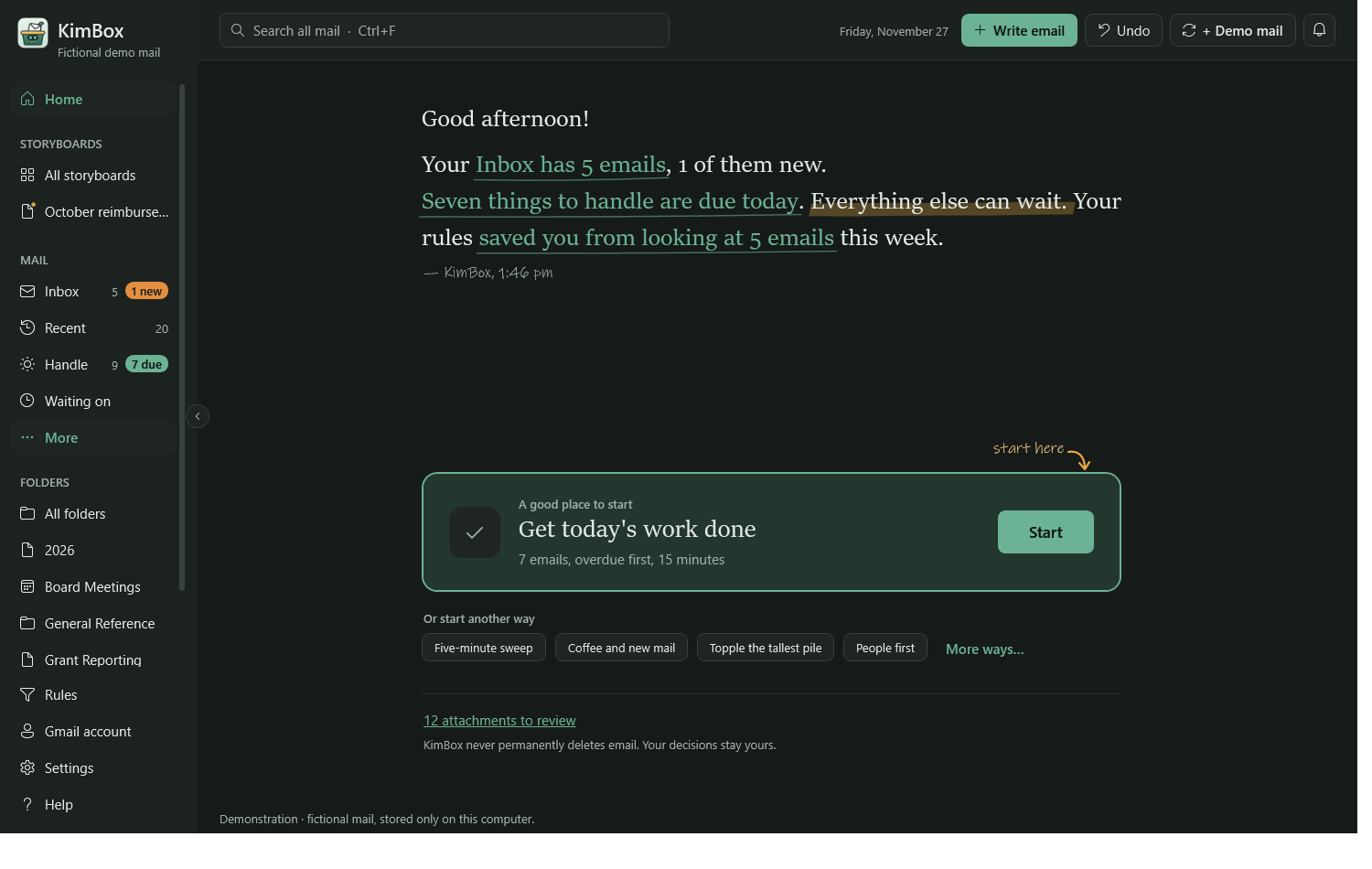
- Shows new mail from Gmail and other email accounts together, with a short daily briefing of what needs you.
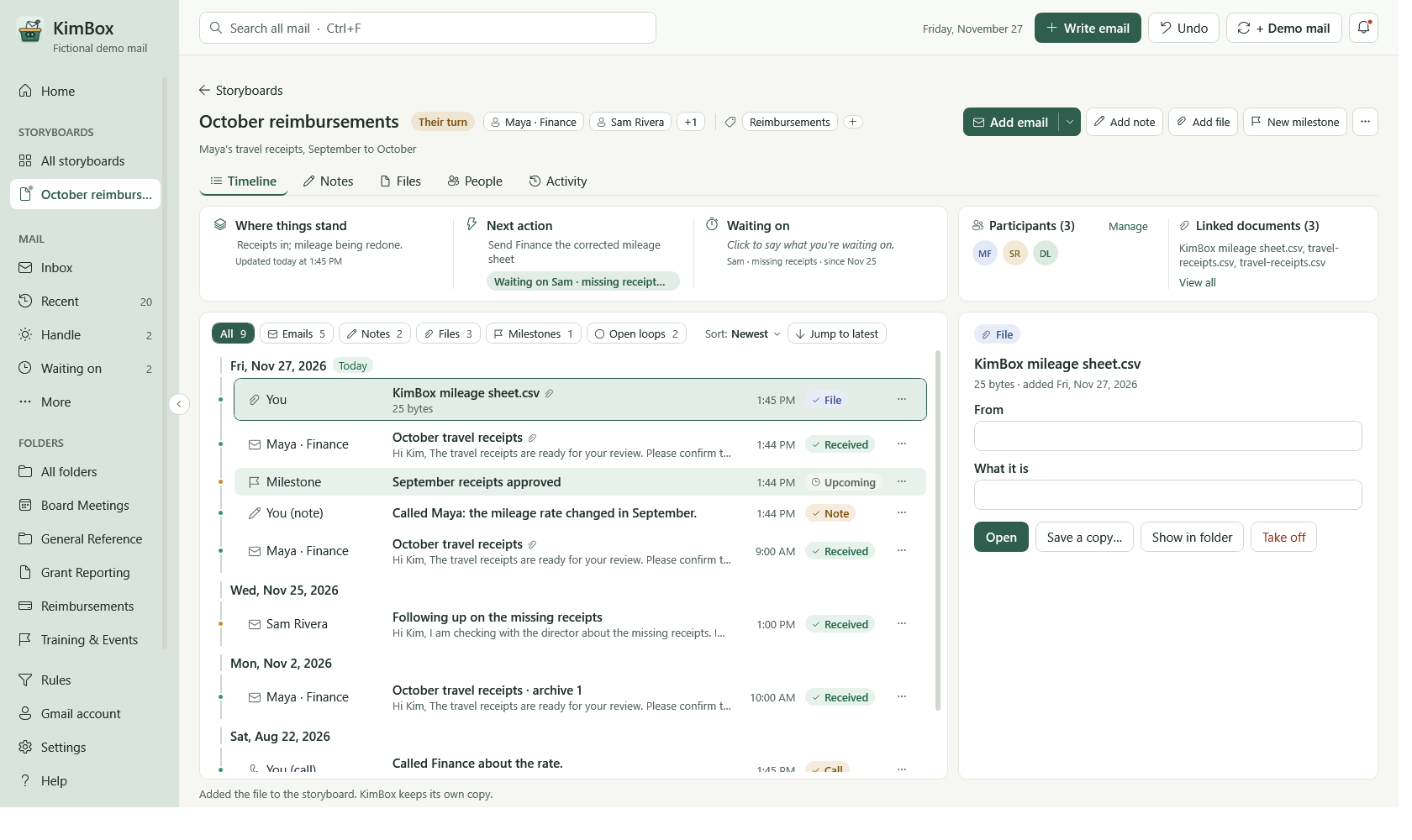
- Tells each matter start to finish in a storyboard: a timeline of its emails, notes, calls, decisions, files and milestones by day, filtered to just emails, notes, files, milestones or open loops. Pick any line to see it beside the timeline, with why it matters, its next step, its tasks and a quick note. Above it: where things stand, the next action and what you're waiting on, its people and every document. Replies join by themselves.
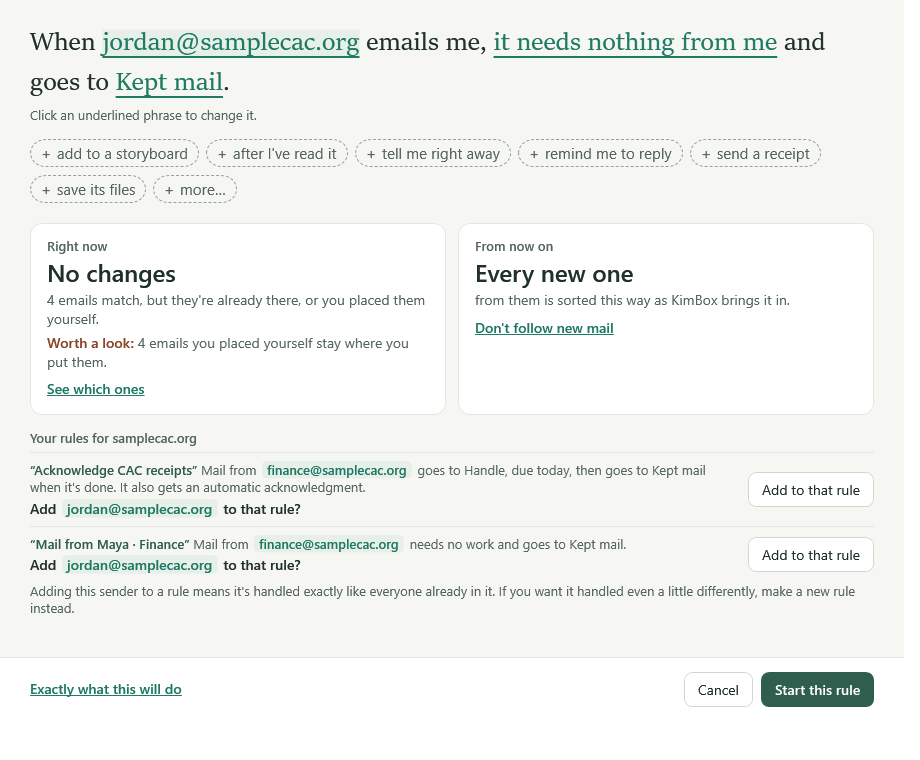
- Sorts mail into your own folders, by hand or with rules you write, and keeps those folders the same in Gmail and your other mailboxes.
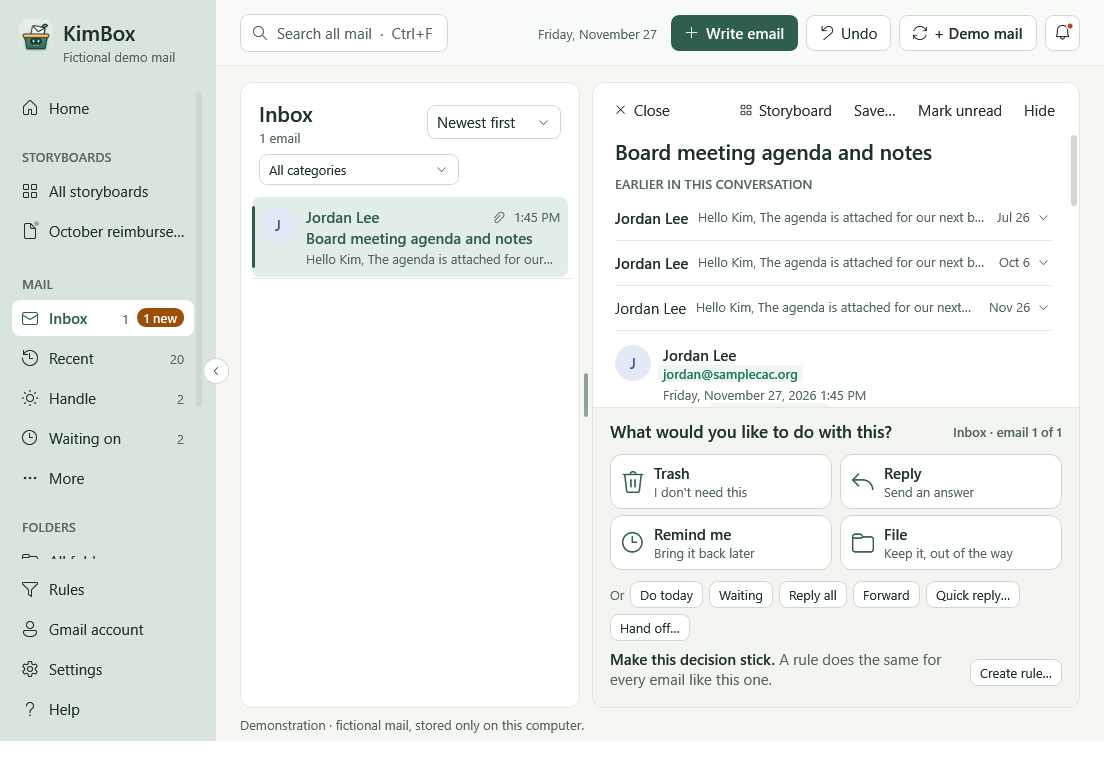
- Moves mail through three plain places: an Inbox of what you haven't decided on, Handle, your work by due date, and Waiting on for what others owe you. Recent keeps your 20 newest emails in view, wherever they went.
- Can send short receipts you set up, so people know their email arrived.
- Never permanently deletes email. Anything it moves can be put back.
See it
Screenshots from KimBox's demonstration mode, with made-up mail.
Your mail stays with you
KimBox runs on your own computer. It has no servers, and Cubieworks never receives your email or account information. KimBox doesn't use AI services, advertising or analytics.
Read the privacy policy for the details.
Who made it
KimBox isn't for sale. It's an example of what Cubieworks builds: tools that take the stress out of running an organization.
If yours could use one, let's talk: walter@cubieworks.com